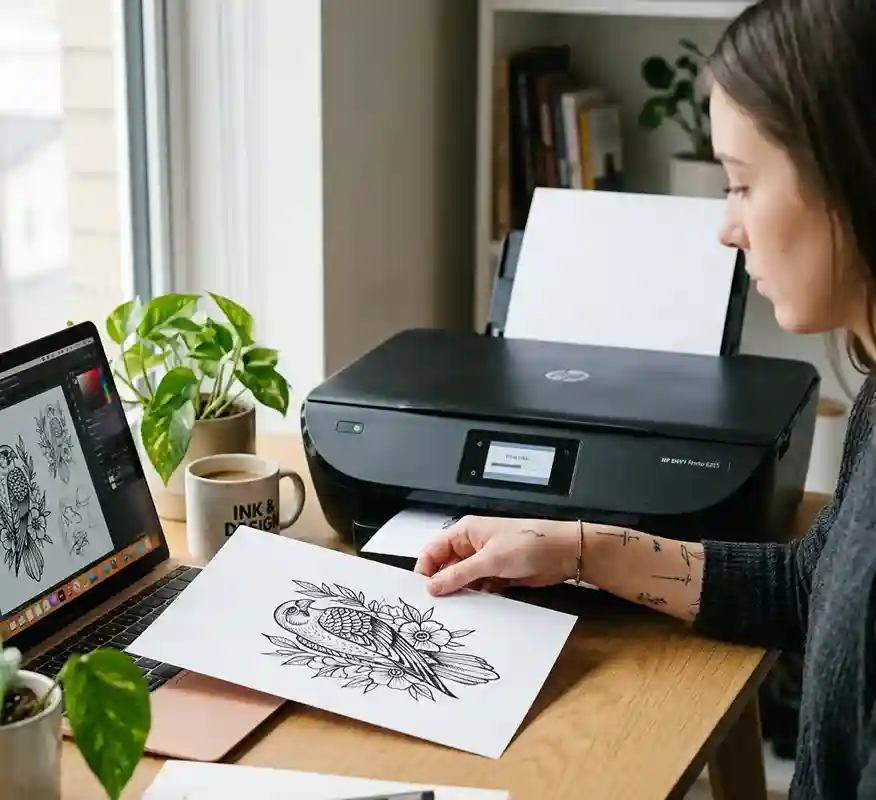
Thinking about making a tattoo stencil at home but don’t have fancy equipment? You might be wondering, “Can You Use A Regular Printer For Tattoo Stencil?” This is a common question, especially for beginners who want a simple and low-cost way to get started.
Buying professional tools can feel expensive, so it makes sense to look for easier options you already have at home.
The good news is that a regular printer can help but it’s not as simple as just printing and sticking it on your skin. There are a few important steps, safety tips, and tricks you need to know to get clean and clear results.
In this guide, you’ll learn exactly how it works, what to avoid, and how to make your stencil look sharp and professional even with basic tools.
Can You Use A Regular Printer For Tattoo Stencils Safely?
Yes, you can use a regular printer for tattoo stencils, but it comes with some limitations. A standard printer can print your design onto paper, which you can then trace or transfer onto stencil paper.
However, it does not replace professional stencil machines that are designed for clean and precise transfers.
Safety depends on how you use the printed design, especially avoiding direct use of printer ink on skin.
Always transfer the design properly using stencil products. For beginners, this method can work for practice or simple tattoos.
For professional work, extra care is needed. Cleanliness and hygiene are very important throughout the process.
How Does A Regular Printer Work For Tattoo Stencils?
A regular printer simply prints your tattoo design onto standard paper using ink or toner. You then place that print over stencil paper and trace it manually, or use transfer methods like carbon sheets.
The printer itself does not create a stencil-ready output like thermal printers do. This means more manual effort is required to get a usable stencil.
The quality depends on printer resolution and ink sharpness. You may need to adjust contrast to get darker, clearer lines. Overall, it works as a basic tool rather than a complete stencil solution.
What Type Of Paper Is Best For Tattoo Stencils With A Regular Printer?
Choosing the right paper is important for better stencil results. Regular A4 paper is fine for printing the design, but it is not used directly on skin.
For transferring, stencil paper (also called transfer paper) is the best option. It usually comes in layers, including a carbon sheet for transferring the design.
Thermal stencil paper is ideal if you later upgrade tools. Thin paper helps in easier tracing and better accuracy.
Avoid glossy or thick paper because it makes tracing difficult. Using proper stencil paper ensures cleaner and more visible transfers.
Can Inkjet Vs Laser Printers Affect Tattoo Stencil Quality?
Yes, the type of printer you use can impact stencil quality. Inkjet printers usually produce softer lines, which may look slightly blurry when transferred.
Laser printers create sharper and more defined lines because they use toner instead of liquid ink. However, both types still require manual tracing for stencil creation.
Laser prints are generally better for detailed designs. Inkjet prints may need extra bolding or editing before printing. Choosing high-quality print settings improves the final stencil outcome.
What Problems Can Happen When Using A Regular Printer For Tattoo Stencils?
Several issues can arise when using a regular printer for stencils:
- Lines may appear too light or unclear
- Designs can smudge during transfer
- Lack of precision compared to thermal printers
- Extra time needed for tracing
- Inconsistent transfer onto skin
These problems can affect tattoo accuracy. Beginners may find it harder to get clean outlines. Practice and proper technique can reduce these issues. Using high-contrast designs helps improve clarity.
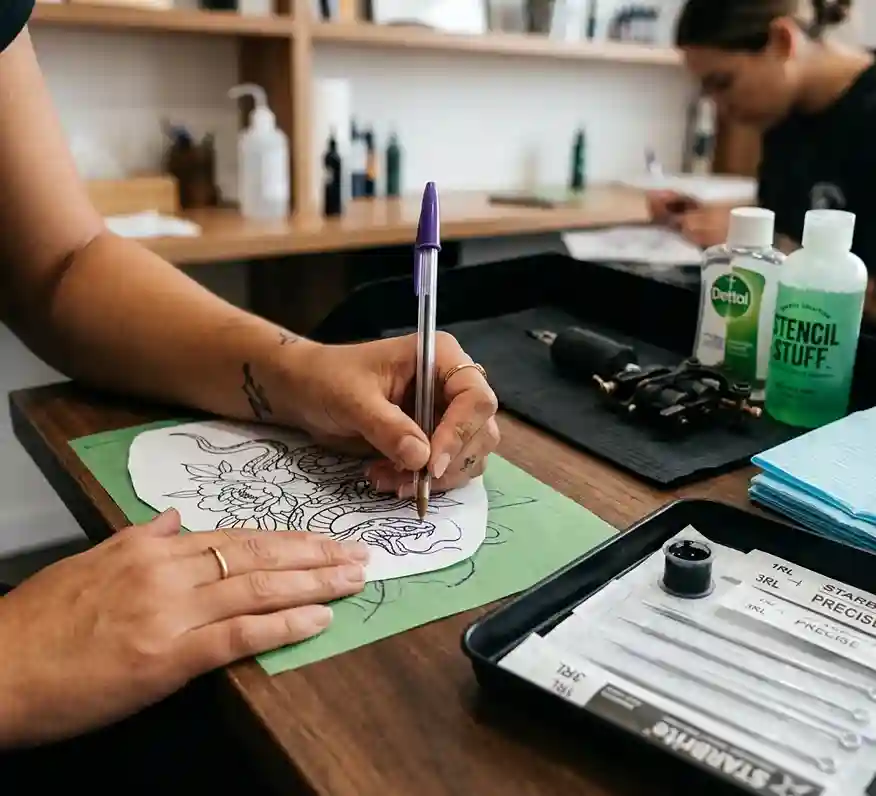
Why Is My Tattoo Stencil Not Transferring Properly From A Regular Printer?
Poor stencil transfer usually happens due to incorrect technique or materials. If the stencil paper is not pressed firmly, the design may not transfer well.
Skin preparation also plays a big role oily or dirty skin blocks proper transfer. Using too little stencil solution can cause fading.
Another reason is weak or unclear printed lines. Humidity and sweat can also affect transfer quality. Make sure the design is bold and the surface is clean. Proper pressure and patience improve results.
How To Fix Faded Or Blurry Tattoo Stencils From A Regular Printer?
If your stencil looks faded or unclear, there are simple ways to fix it:
- Increase contrast and darkness before printing
- Use a high-quality print setting
- Trace lines more firmly on stencil paper
- Apply stencil gel evenly on skin
- Let the stencil dry completely before tattooing
These steps help improve clarity and visibility. You can also redraw lines slightly thicker for better transfer. Taking your time during preparation makes a big difference.
Are Regular Printer Tattoo Stencils Safe For Skin?
Regular printer ink should never be applied directly to skin. It is not made for skin contact and may cause irritation or allergic reactions.
The safe method is to use stencil paper to transfer the design. Only use skin-safe stencil products like stencil gel or transfer solution.
Hygiene is essential to prevent infections. Always clean the skin properly before applying the stencil. Using safe materials ensures better results and protects the skin.
What Are The Risks Of Using A Regular Printer For Tattoo Stencils?
Using a regular printer comes with certain risks:
- Poor stencil accuracy leading to uneven tattoos
- Skin irritation if improper materials are used
- Smudging during tattooing process
- Time-consuming preparation
- Higher chance of mistakes for beginners
These risks can be minimized with proper technique and tools. Practicing on fake skin can help improve your skills. Always prioritize safety and cleanliness.
Can Poor Stencil Quality Affect Tattoo Healing Results?
Yes, stencil quality can indirectly affect healing. If the stencil is unclear, the tattoo lines may become uneven or incorrect.
This can lead to overworking the skin while fixing mistakes. Overworked skin takes longer to heal and may scar.
Clean and clear stencils help guide smooth tattooing. Better precision reduces skin damage. Good preparation leads to better healing results.
How To Prepare Skin Before Applying A Printed Tattoo Stencil?
Skin preparation is very important for a clean stencil transfer:
- Shave the area to remove hair
- Clean the skin with antiseptic solution
- Dry the skin completely
- Apply stencil gel evenly
- Avoid touching the area after cleaning
Proper preparation helps the stencil stick better. It also reduces the risk of infection. Clean skin ensures sharper and longer-lasting stencil lines.
What Is The Correct Way To Apply A Tattoo Stencil From A Regular Printer?
Start by preparing the skin properly. Place the stencil paper carefully on the skin without moving it. Press gently and evenly across the design.
Hold it in place for a few seconds to allow transfer. Slowly peel it off without smudging.
Let the stencil dry completely before starting the tattoo. Avoid touching or rubbing the stencil area. This method ensures a clean and clear transfer.
How Long Should A Tattoo Stencil Stay On The Skin Before Tattooing?
After applying the stencil, you should let it dry for at least 10–15 minutes. This helps the design set properly on the skin.
If you start tattooing too soon, the stencil may smudge or fade. In humid conditions, you may need a bit more time.
Avoid sweating or touching the area during this period. A well-set stencil lasts longer during the tattoo process. Patience here improves overall results.
What Mistakes Should You Avoid When Using A Regular Printer For Tattoo Stencils?
Avoiding common mistakes can improve your results:
- Using low-quality or light prints
- Skipping proper skin preparation
- Applying too much or too little stencil gel
- Rushing the transfer process
- Touching the stencil before it dries
These mistakes can ruin the stencil and affect the tattoo outcome. Taking your time and following proper steps helps avoid these issues.

Can You Use Regular Printer Ink For Tattoo Stencils Safely?
No, regular printer ink is not safe for direct skin use. It contains chemicals that are not meant for skin contact.
Instead, the ink should only be used to print the design on paper. The actual transfer should happen using stencil paper and skin-safe products.
This keeps the process hygienic and safe. Always use professional-grade materials when working on skin.
What Are The Best Alternatives To A Regular Printer For Tattoo Stencils?
If you want better results, consider these alternatives:
- Thermal stencil printers for quick and clean transfers
- Hand-drawing directly on stencil paper
- Using stencil transfer machines
- Pre-made stencil sheets
These options provide more accurate and professional results. They also save time and reduce errors. Investing in proper tools improves tattoo quality.
How To Make Tattoo Stencils Last Longer During The Tattoo Process?
Keeping your stencil intact during tattooing is important:
- Let the stencil dry fully before starting
- Avoid excessive wiping during tattooing
- Use gentle cleaning techniques
- Apply stencil staying products if needed
- Work carefully to prevent smudging
These steps help maintain the stencil throughout the session. A long-lasting stencil makes the tattoo process smoother and more accurate.
Do Professional Tattoo Artists Use Regular Printers For Stencils?
Most professional tattoo artists do not rely on regular printers. They use thermal printers or stencil machines for better precision and speed.
Regular printers may be used for designing or practice purposes. Professionals prefer tools that ensure consistent and clean results.
Using advanced equipment reduces mistakes and improves efficiency. For beginners, regular printers are okay, but upgrading is recommended.
How To Prevent Smudging Or Smearing Of Tattoo Stencils?
To prevent smudging, follow these tips:
- Allow enough drying time
- Avoid touching the stencil area
- Use proper stencil gel
- Do not over-apply liquids
- Work in a clean and dry environment
Smudging can ruin the design and make tattooing harder. Careful handling keeps the stencil clear and usable.
Expert Tips For Getting Clean Tattoo Stencils With A Regular Printer
Here are some expert tips to improve your stencil results:
- Use bold and high-contrast designs
- Print in the highest quality setting
- Practice tracing for better accuracy
- Always prepare the skin properly
- Invest in good stencil paper
Consistency and practice are key to better results. Even with a regular printer, you can achieve clean stencils by following the right steps.